Remove Colors from Color Fill
When the color fill window has way too many colors in it and you can no longer find the colors that you want, you can remove them:
- Click and drag one of the color boxes away from its place in the grid and hold still for a moment. All of a sudden the original color box will look like it has been selected. You can let go now.
- Hit Delete
- Click on another box then Delete
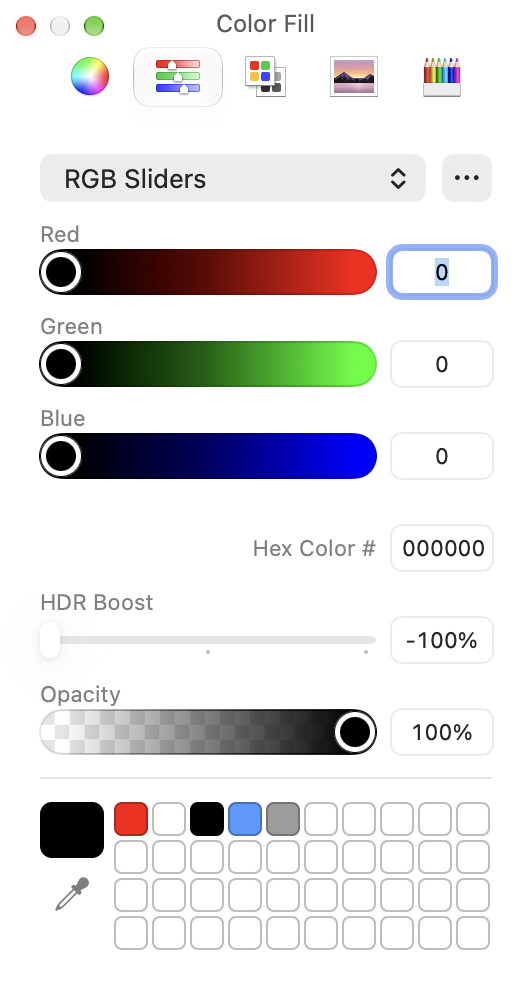
After cleaning out all the accumulated colors